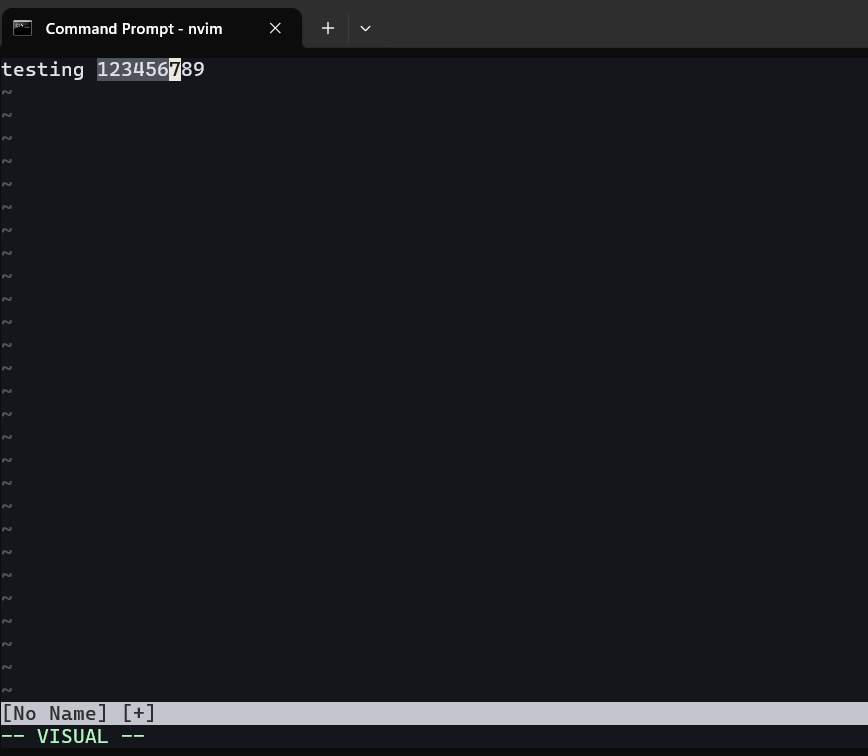
To do copy paste on vim, we can use visual mode by typing v when on normal mode. Use cursor to select the text to copy. Below we select 6 characters. After selecting the text then press y to copy the text to register.
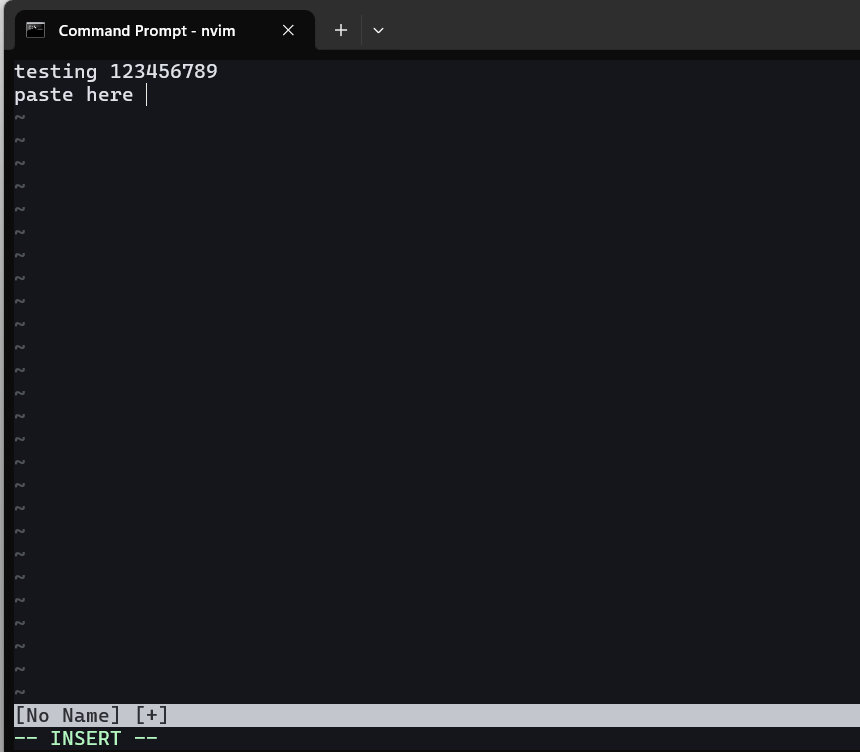
To move cursor to the next line and edit, press o then type some text.
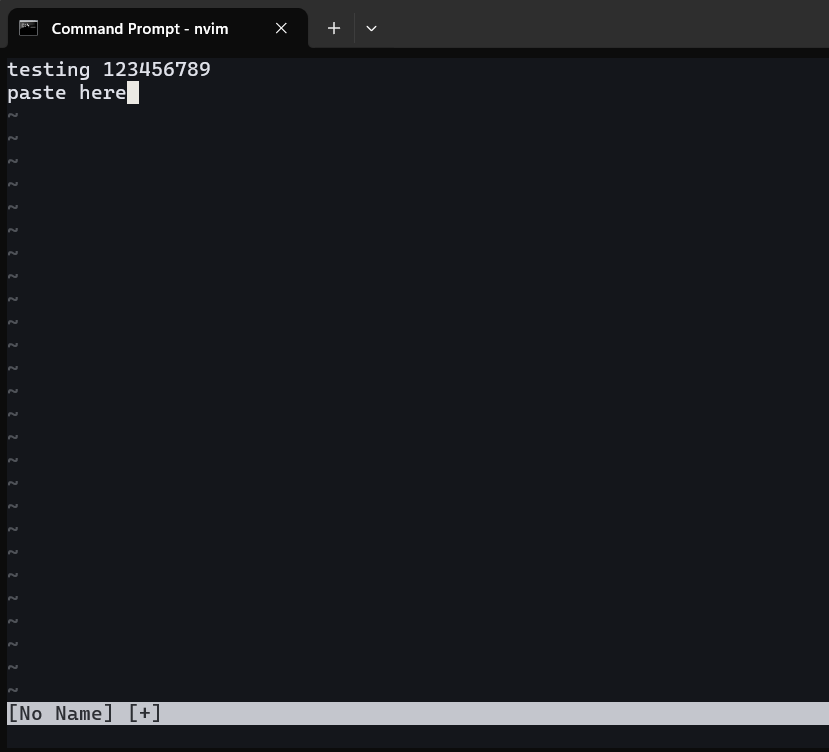
press escape to enter normal mode again.
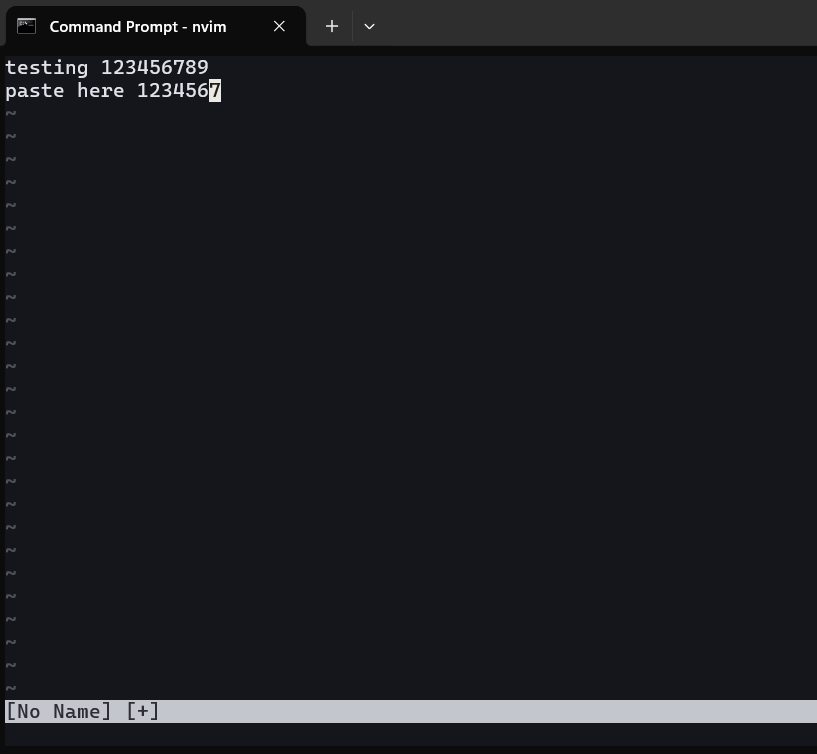
press p to paste the copied text to the cursor position.
Thats all guys ! Practice it to make muscle memory.
On vim context the command y is yank and p is put.