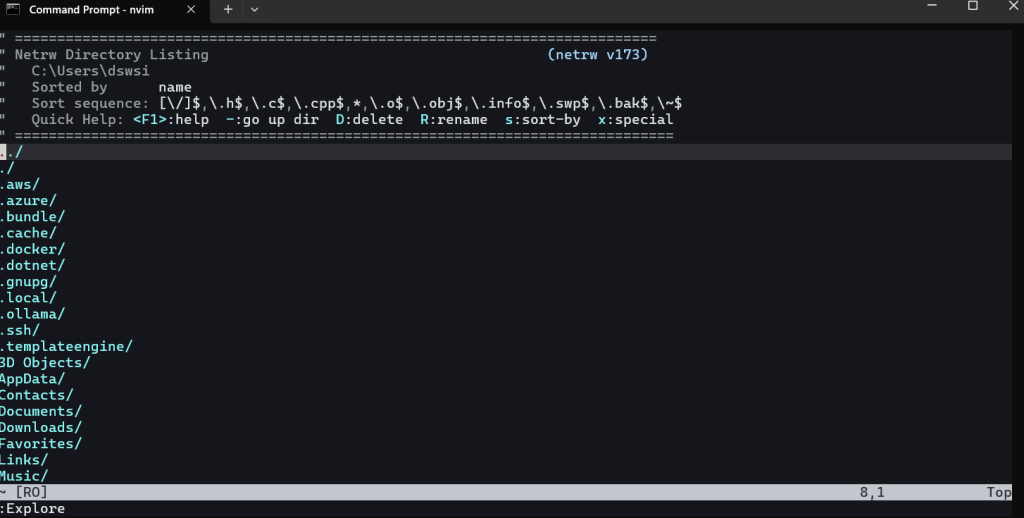
Use :Explore command to explore files directly from your vi editor.
A Computer Person Journey
Use :Explore command to explore files directly from your vi editor.
To do copy paste on vim, we can use visual mode by typing v when on normal mode. Use cursor to select the text to copy. Below we select 6 characters. After selecting the text then press y to copy the text to register.
Continue reading “Vim : Copy Paste Operation”Lets play with various delete command combination available on vim/ neovim.
Start with blank buffer and place some text on it (with some mistakes we intend to fix).

Here we have 2 identical line with “Line 5” and we plan to delete one of them. Move the cursor to the line to be deleted and press d then d. This wil delete the line.
Continue reading “Vim : Deleting text, Undo”Open a neovim or vim by typing vim or nvim on command prompt and it will show initial state with no file being edited.
